Quick start
The category stack is the fastest path to a realistic install: Postgres, graph, API, worker, UI, and Keycloak with the Codesteward login theme.
Prefer a cluster already? See the Kubernetes quick start (Helm from GHCR).
Prerequisites
- Docker + Docker Compose
- Node ≥ 22 and pnpm 9 (to build images/packages if not using prebuilt images)
- An LLM API key (OpenAI, Anthropic, SpaceXAI, or OpenAI-compatible endpoint)
Run the category stack
From the monorepo root:
export OPENAI_API_KEY=sk-...   # or set provider-specific keys
pnpm install && pnpm -r run build

pnpm compose:category
| Surface | URL |
|---|---|
| UI | http://localhost:8080 |
| API | http://localhost:8081 |
| Keycloak | http://localhost:8083 (console often admin / admin) |
Demo realm user (seeded): admin@demo.com / DemoAdmin.123.
Sign in through the platform IdP (you are redirected to Keycloak). Create or continue with an org, connect SCM when ready, start a Gate or Steward review.
pnpm compose:category:down
First review checklist
- Sign in via Keycloak
- Confirm an organization exists (onboarding or Local)
- Add a model provider API key (org Models, or host env for dogfood)
- Connect GitHub App (or another SCM) under Connectors
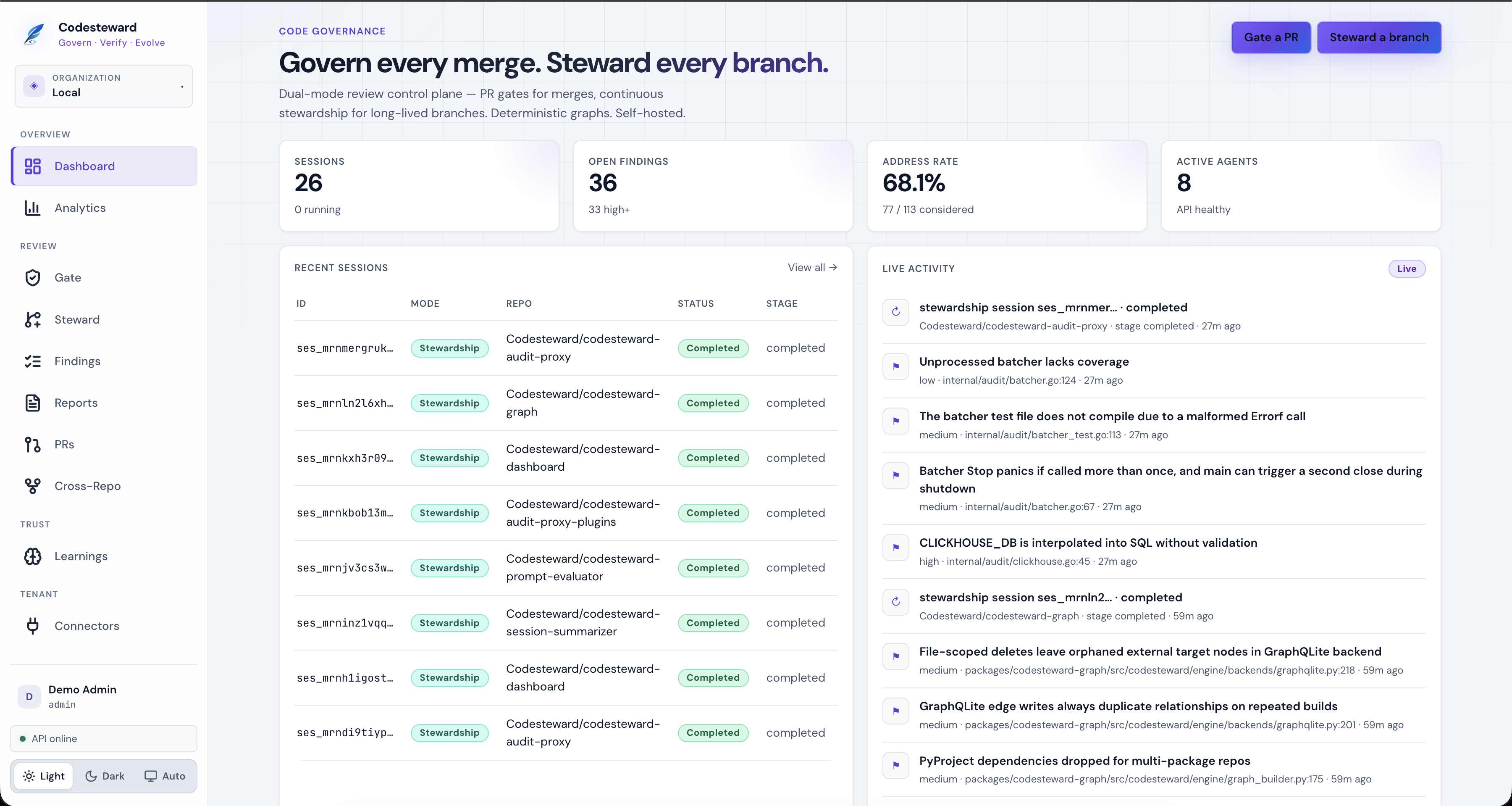
- Open Gate, pick a PR, start a session — watch the session blade pipeline
What to explore next
Tear down / reset
pnpm compose:category:down
# Volumes may retain Postgres/Keycloak data depending on compose project settings